
How to brief UGC creators for app and SaaS ads (with a template)
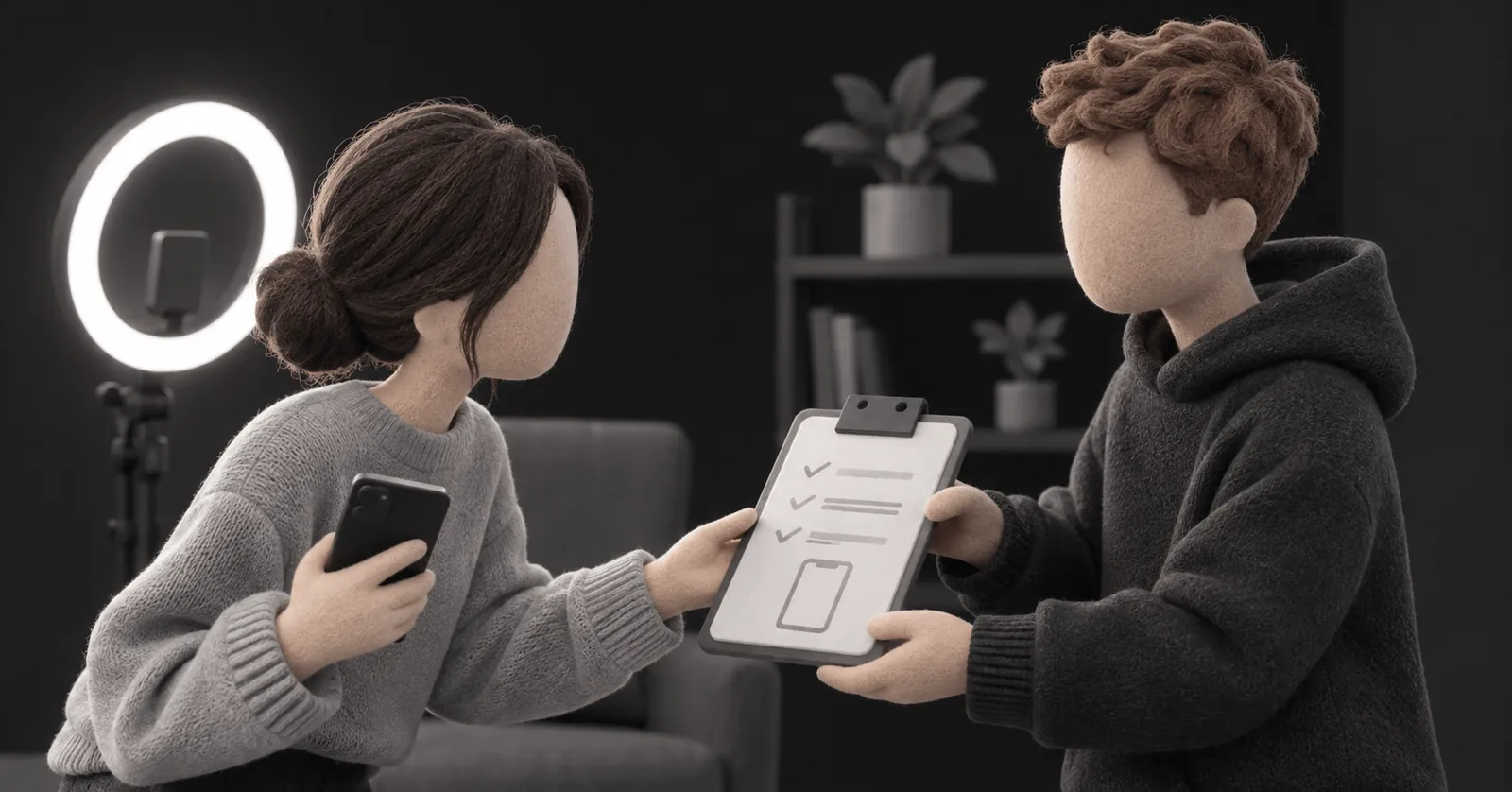
Knowing how to brief UGC creators is the difference between footage you can run as an ad and footage you pay for twice. For an app or SaaS product, the brief has an extra job most templates ignore: it has to tell the creator exactly what to show on screen, not just what to say.
Short answer: a good UGC creator brief fits on one or two pages and covers eight things: the product in one sentence, who the viewer is, one angle, the exact hook and claims, the screen moments to film, technical specs, do's and don'ts, and deliverables with usage rights. Script the first 3 seconds word for word and let the creator phrase the rest.
Below is what goes in each part, a template you can copy, and the briefing mistakes that cost app founders the most reshoots.
Why app and SaaS briefs need more than a product brief
Most UGC brief templates online were written for skincare and supplements. The creator receives a box, films themselves using it, done. Apps break that model in three ways:
- There is nothing to unbox. The product lives on a screen, so the creator needs access, a working account and a clear path to the moment that matters.
- Screen recordings are half the ad. If the creator records the wrong flow, in landscape, with notifications popping up, the footage is unusable no matter how good the face cam is.
- The payoff is not obvious. A creator who has used your app for ten minutes doesn't know which feature your users actually care about. The brief has to tell them.
The 8 parts of a UGC creator brief
1. The product in one sentence
Write it the way a user would describe it to a friend, not your homepage tagline. "It sorts your bank transactions so you can see where your money went" beats "An AI-powered financial wellness platform".
2. Who the viewer is
One short paragraph: who they are, the moment they feel the problem, and what they have already tried. "Freelancers in their late twenties who opened a spreadsheet budget three times and quit each time." This tells the creator how to talk, not just what to say.
3. One angle per video
The angle is the reason to care. Give each video exactly one. If you want to test "saves time" against "stop feeling guilty about money", that is two videos with two briefs, or one brief with two clearly labeled versions. Pull angles from your app reviews and support emails; we explain how in how to write a UGC ad script for an app.
4. The hook and the claims, word for word
This is where you should be strict. Write 2 to 3 hooks for the first 3 seconds and ask the creator to film all of them, so you can test openings without a reshoot. Also lock any product claim: price, free trial, "no card needed", numbers. A creator improvising "it's totally free" when you have a paywall after 7 days creates an ad you can't run.
Everything between the hook and the CTA can be bullet points:
- Hook (exact): "I checked my bank app and could not tell you where 600 dollars went."
- Problem (your words): tried spreadsheets, gave up after a few days.
- Turn (your words): found the app, show it on screen.
- CTA (exact): "It's free to try. Took me two minutes to set up."
5. The screen moments to film
This is the part almost every generic brief skips. List each screen recording you need, in order, with the starting screen and the end screen:
- Open the app from the home screen, land on the dashboard.
- Tap "Add account", connect the demo bank, watch categories fill in.
- Tap "Food delivery", pause 2 seconds on the total.
Then give the creator what they need to record it cleanly: a demo or test account with realistic data already in it (never an empty state), the exact app version or a TestFlight link if the feature is new, and a reminder to turn on Do Not Disturb, hide the status bar clutter and record in portrait.
6. Technical specs
- Vertical 9:16, 1080x1920, filmed on the back camera or a recent phone front camera.
- Natural light facing the creator, quiet room, no music under the voice (you will add it in editing).
- Keep the face and any on-screen text away from the top and bottom of the frame, where the app interface covers it. Meta explains this in its guide to the safe zone for Stories and Reels ads.
- Each hook and each section as a separate clip, plus 3 to 5 seconds of silent B-roll (holding the phone, scrolling, reacting).
7. Do's and don'ts
Keep it to five lines each, so it actually gets read. For example:
- Do: talk like you are sending a voice note to a friend.
- Do: show your real reaction the first time the result appears.
- Don't: say "revolutionary", "game changer" or anything that sounds like an ad.
- Don't: mention competitors by name or promise results we can't guarantee.
- Don't: wear visible logos of other brands.
8. Deliverables, rights and deadline
Be explicit: how many videos, how many hook variations, raw clips or edited, file format, delivery link and date. Then the part founders forget: usage rights. State where the video will run (paid ads on Meta and TikTok, organic, App Store preview), for how long, and whether you will run it from the creator's handle as a partnership or Spark ad. We go deeper on this in UGC vs influencer marketing for apps. For TikTok, also agree on how long the creator's code stays valid: here is how TikTok Spark Ads with UGC work for apps.
A UGC brief template you can copy
Paste this into a doc and fill it in. If a section is empty, the creator will fill the gap with a guess.
- Product: [one sentence, user's words]
- Viewer: [who, the moment they feel the problem, what they tried]
- Angle: [one reason to care]
- Hooks (exact, film all): [hook A] / [hook B] / [hook C]
- Body (bullets): [problem] / [turn to the app] / [core action] / [how it feels now]
- CTA (exact): [line]
- Claims we can and can't make: [list]
- Screen recordings: [numbered list, start and end screen] + demo login
- Specs: 9:16, 1080x1920, separate clips, B-roll, no music
- Do's / don'ts: [5 each]
- Deliverables: [number of videos, hooks, raw or edited, deadline]
- Usage rights: [channels, duration, whitelisting yes or no]
- Reference: [1 or 2 example ads for tone, not to copy]
Briefing mistakes that cost you a reshoot
- Sending a feature list. Creators will try to mention all of it. Give one angle and one core action instead.
- No demo account. The creator signs up fresh, records an empty dashboard and the payoff never appears.
- Scripting every word. It sounds read off a card. Lock the hook and claims, free the middle.
- Vague references. "Make it feel authentic" means nothing. Link one real ad and say what you like about it: the pacing, the first line, the reaction.
- Agreeing on rights after filming. If you want to run it as paid ads for a year, say so before the creator quotes a price.
One more thing: a brief is also a test plan. If you brief three hooks on the same body, you have built the kind of structured test we describe in how many UGC ads to test on Meta, instead of one video you can't learn from.
Recap
- One to two pages, one angle per video.
- Hook and claims word for word, the rest as bullets.
- A numbered list of screen recordings, plus a demo account with real-looking data.
- Specs, five do's and five don'ts.
- Deliverables, deadline and usage rights agreed before filming.
If you'd rather not write briefs at all, here is how our UGC scripting and production process works: Anton writes the scripts and briefs from your reviews and onboarding data, and real creators film them face cam.
FAQ
What should a UGC creator brief include?
The product in one sentence, the target viewer, one angle, the exact hook and claims, the screen moments to film, technical specs, do's and don'ts, and the deliverables with usage rights and deadline.
How long should a UGC brief be?
One to two pages is enough. If a creator needs more than five minutes to understand it, cut it down to what changes the footage.
Should I give UGC creators a full script?
Script the hook and any product claims word for word, and give bullet points for the middle. Creators sound more natural when they can phrase the story in their own words.
How many revisions should a UGC creator do?
Agree on one round of revisions in writing before filming, limited to things that were in the brief. Asking for changes the brief never mentioned is a briefing problem, not a creator problem.